Take Control of
Your Money

Track expenses and plan budgets with no owllet account or tracking. Your data stays on your device by default; private iCloud sync, backups, and workspace sharing are optional choices you control.

Download on the App Store Coming soon to Google Play

Track Expenses

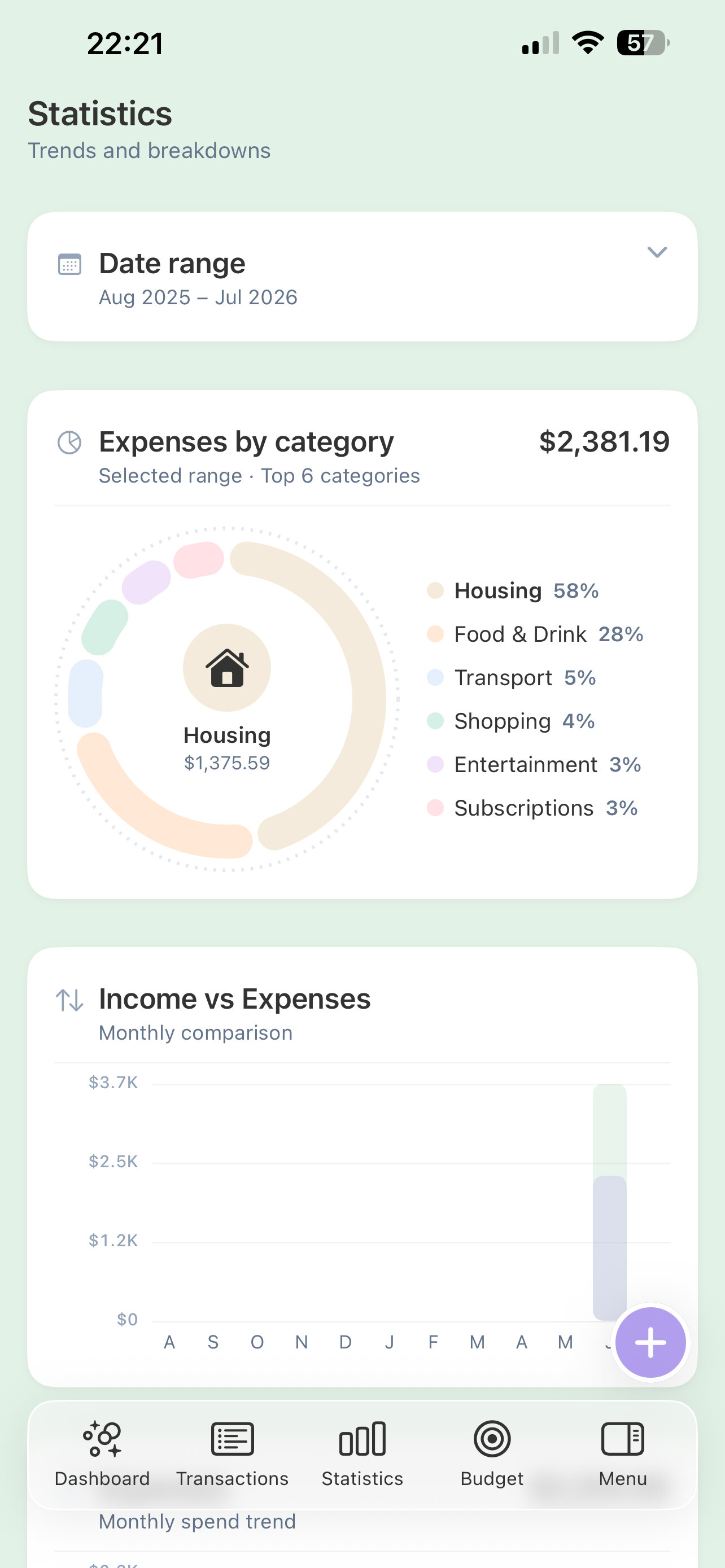
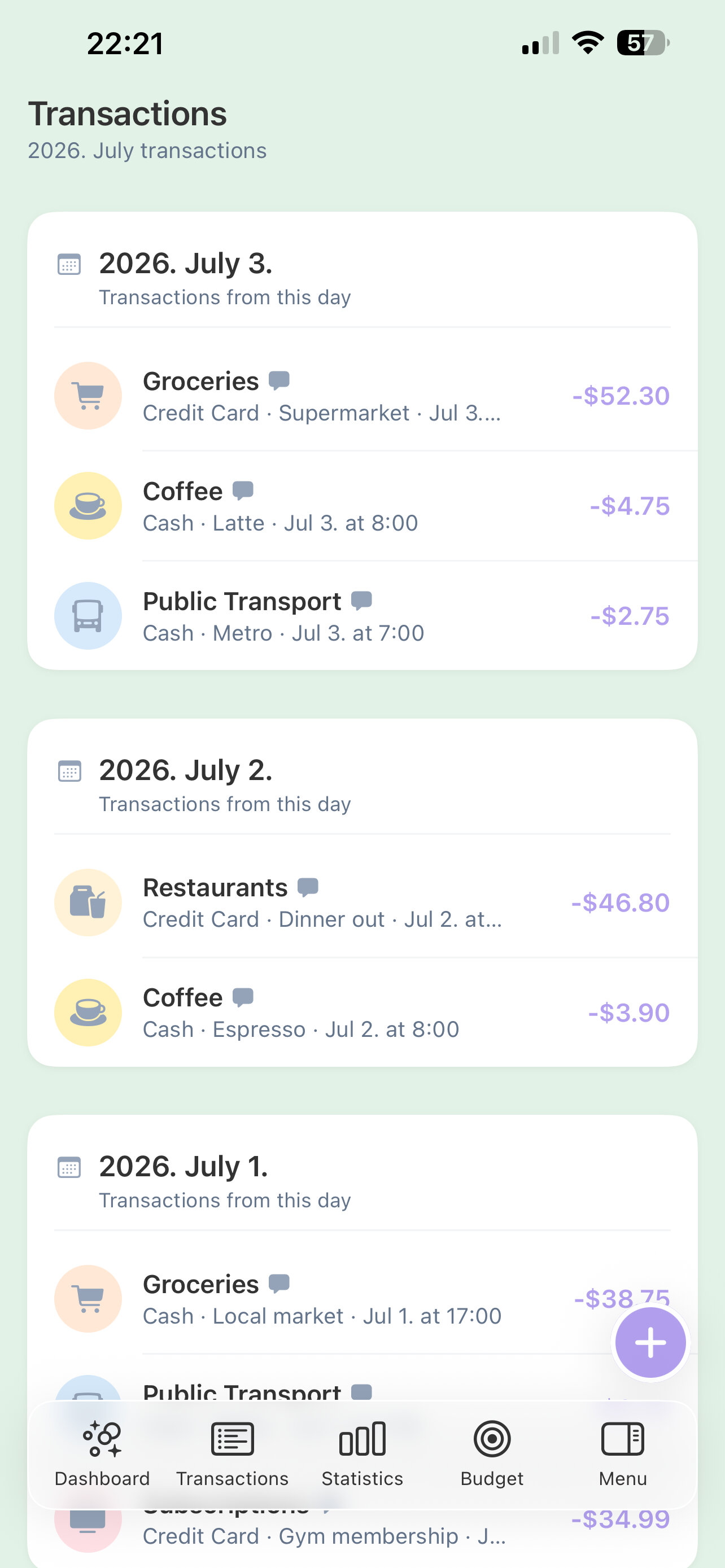
Log and categorize every transaction across all your wallets.

Budget Planning

Set budgets per category and track what's left to spend.

Customization

Choose light, dark, or system appearance, and personalize your colors, menu, and dashboard.

Secure & Private

Local by default, with PIN protection and optional iCloud features.
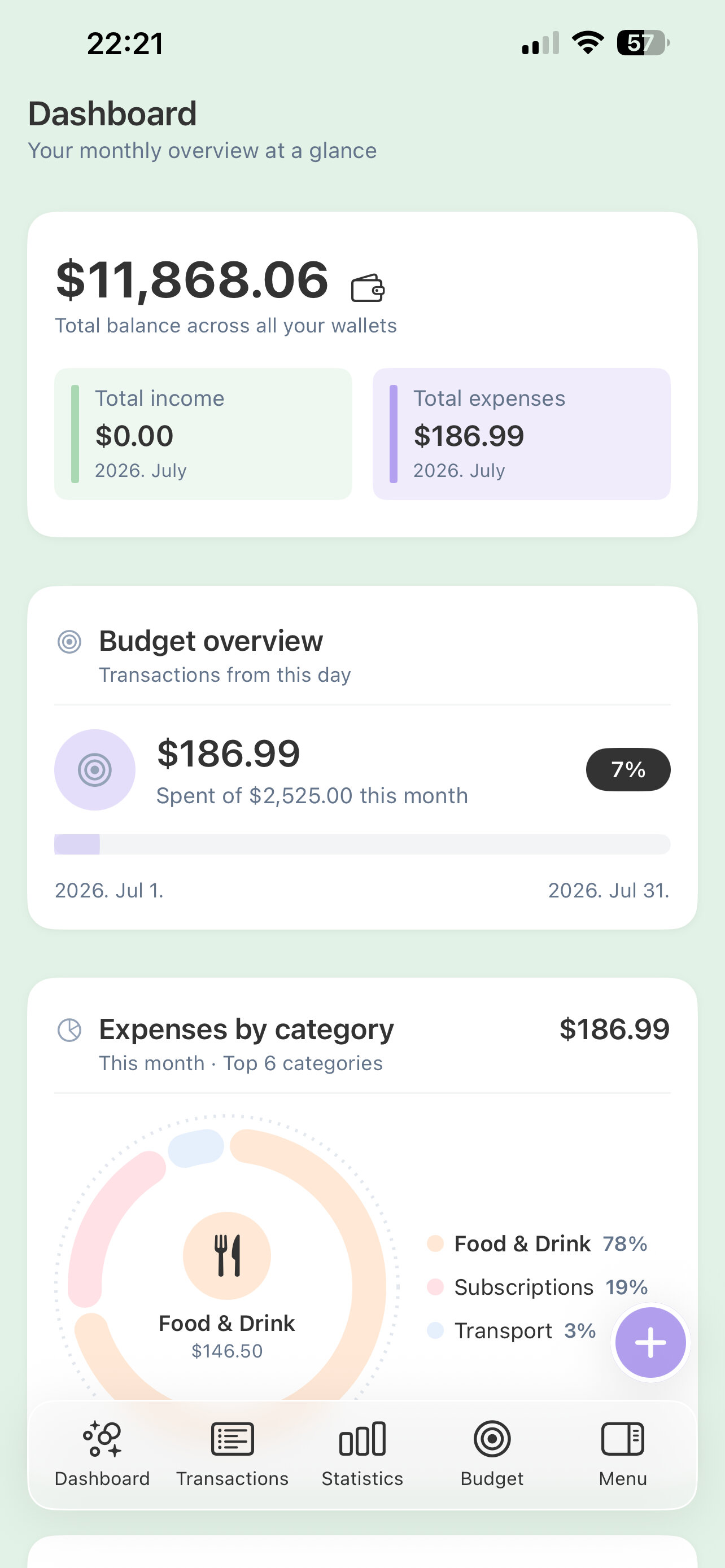
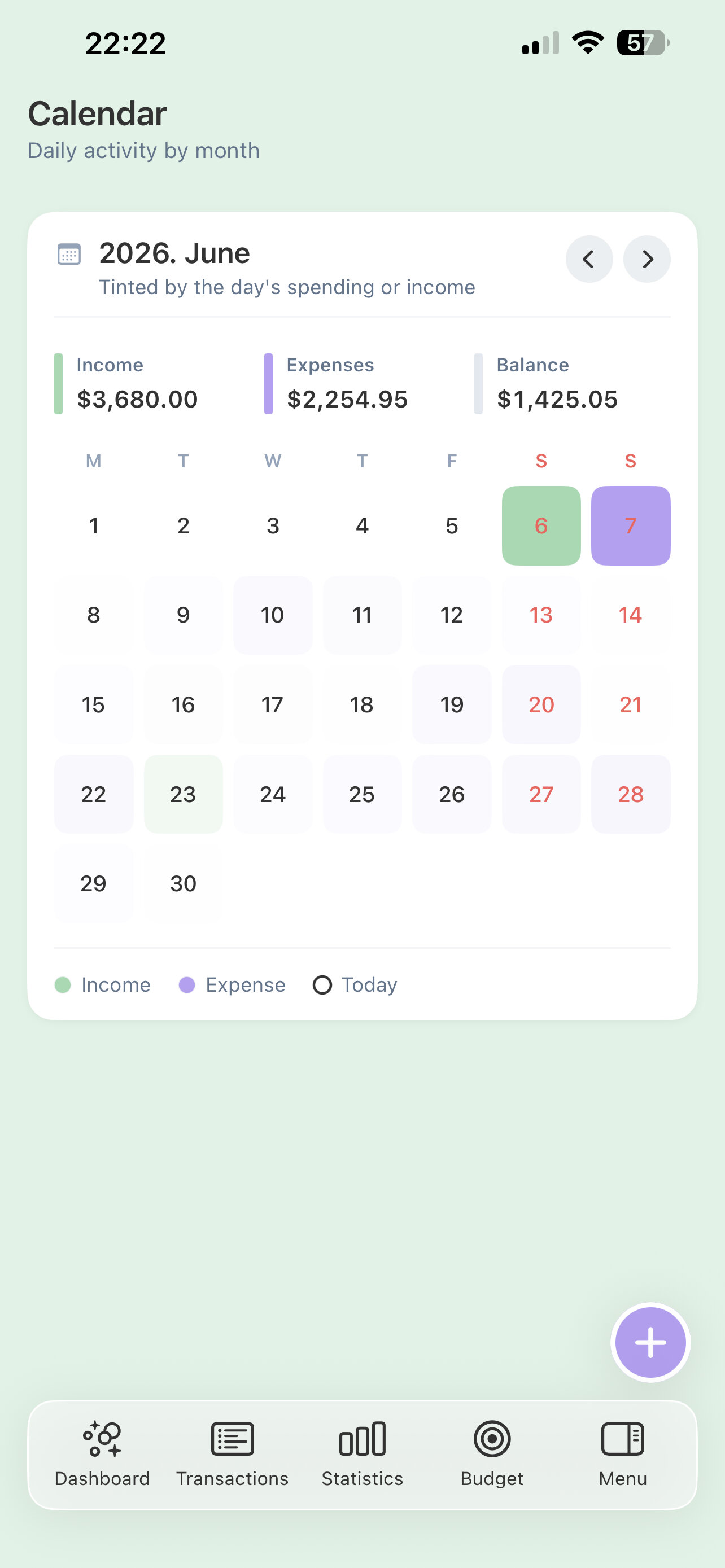
owllet dashboard screen owllet statistics screen
owllet budget screen owllet accounts screen
New in owllet· October 23, 2026

Dark mode, your way

Choose Light, Dark, or System on iPhone, with separate customizable colors for light and dark. The owl logos match your app's appearance, and a new dark app icon follows your Home Screen icon style.

Also new· October 4, 2026

Monthly totals, more shortcuts, fixed headers

See the selected month's total income and expenses above your transactions. Add more shortcuts to the iOS bottom menu and swipe through them while Menu stays fixed on the right. Page titles and the workspace switcher stay visible as you scroll.

Explore features

The owllet promise

Yours alone.
Zero compromise.

No owllet login. No company financial-data server. No subscription. Everything stays on your device unless you choose private iCloud sync, backups, or sharing. owllet never receives your numbers; only people you explicitly invite can access a shared workspace.

Beautiful in motion

Every screen flows with fast, minimal, genuinely beautiful animations. The whole app feels alive and effortless — so good to use that logging each expense becomes something you actually look forward to.

Always offline

No internet, no problem. owllet runs entirely on your device, so it keeps working on a plane, underground, or anywhere with no signal at all.

Export any time

Back up everything to an Excel file in a single tap, then import it anywhere. Your full history stays yours to keep and move, always.

18

Accent colors

Fine-tune all eighteen palette shades separately for light and dark mode on iPhone, alongside your dashboard and menu colors.